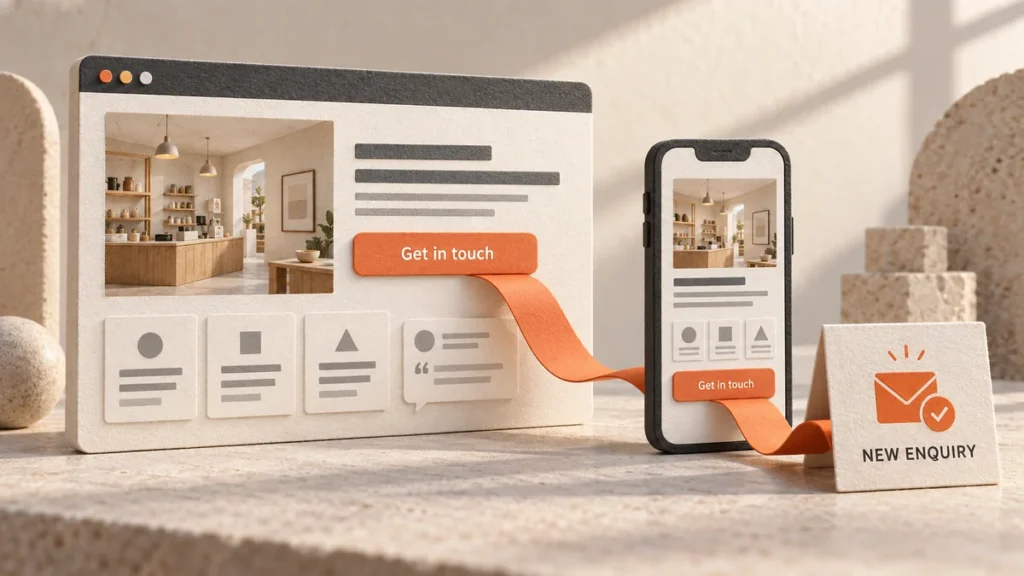
Your Website is Your First Impression
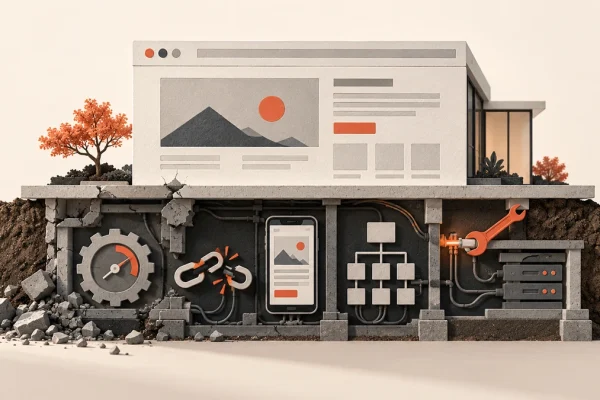
A small-business website needs to do more than look professional. It should help visitors understand what you offer, decide whether your business is suitable for them and take the next step, whether that means calling, sending an enquiry or requesting a quote.
Your website is often one of the first places people learn about your business. If the information is unclear, the website is difficult to use on mobile or visitors cannot find your contact details, they may leave before contacting you. Good web design brings these important elements together so the website is useful for both visitors and the business.
What Makes a Good Website
A good small-business website should be clear, easy to use and focused on the needs of its visitors. It should explain what the business offers, who it helps and what visitors should do next.
Four areas are especially important:
- Clear information about the business and its services
- A layout that works well on mobile devices
- Fast and reliable page performance
- Simple ways for visitors to make contact
A visually attractive website is useful, but design should support the visitor’s decision rather than distract from it. The most important information should be easy to find, the navigation should be clear and each important page should have a relevant next step.
DIY Website Builders vs Professional Design
Small businesses generally choose between building a website themselves or working with a professional designer and developer. Both options can be suitable, depending on the business’s budget, available time and website requirements.
| DIY website builder | Professional web design |
|---|---|
| Lower initial cost | Higher initial investment |
| Faster to launch | More planning and customisation |
| Suitable for simple websites | Suitable for specific business goals |
| More responsibility for the business owner | Professional support during the project |
| Less flexibility on some platforms | Greater control over design and functionality |
A DIY platform may be suitable for a new business with a simple website and limited budget. Professional support may be more appropriate when the business needs a stronger brand presentation, custom functionality, better conversion planning or ongoing technical support.
The right choice depends on what the website needs to achieve, not only on the initial price.
WordPress vs Shopify vs Other Platforms
Different website platforms suit different types of businesses. The right choice depends on what the website needs to do, how much flexibility is required and who will manage it after launch.
WordPress can be suitable for service businesses, content-led websites and businesses that need flexibility or future expansion. It requires ongoing updates, hosting and security management.
Shopify is designed for online stores and includes features for products, payments, inventory and shipping. It may be suitable for businesses that mainly sell products online.
Wix and Squarespace can work well for simple service websites, portfolios and businesses that want a more straightforward setup. They may offer less flexibility for complex functionality or custom integrations.
Elementor is a page builder used with WordPress. It can make it easier to create and manage page layouts without coding every element manually.
Choose the platform based on your website goals, content needs, functionality, budget and available support.
What to Actually Include on Your Site
A small-business website should include the pages and information visitors need before making a decision.
Homepage
Your homepage should quickly explain what the business does, who it helps and what visitors can do next. The main message should be clear without requiring visitors to read the entire page.
Service or product pages
Each important service or product should have its own page. Explain what is offered, who it is for, what problem it solves and how visitors can enquire.
About page
An About page can help visitors understand the people, experience and approach behind the business. Keep the information relevant to the customer rather than listing background details without context.
Contact page
Your contact page should be easy to find and simple to use. Include the contact methods that are most suitable for your business, such as a form, phone number, email address or booking option.
Testimonials and case studies
Genuine testimonials and case studies can help visitors understand the experience of working with the business. Use real information and avoid unsupported claims.
Frequently asked questions
FAQs can answer common questions about services, pricing, timelines and the process. They can also help visitors decide whether to make contact.
Useful resources
A blog or resource section can provide helpful information, answer customer questions and support the website’s wider search strategy. The focus should be on useful content rather than publishing on an arbitrary schedule.
Website Design Principles to Follow
Good website design is not only about appearance. It should help visitors find information, understand the business and complete the next step easily.
- Simple navigation
- Clear spacing
- Mobile-friendly layouts
- Compressed images
- Consistent colours and fonts
- Clear calls to action
- Trust signals such as testimonials and credentials
Common Website Mistakes
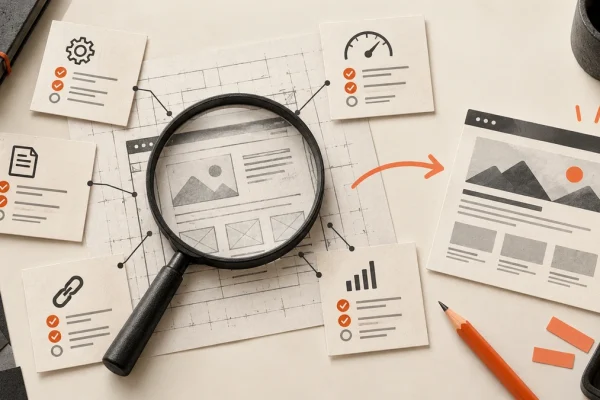
Common small-business website problems include unclear messaging, difficult navigation, poor mobile usability, slow-loading pages, broken links and missing contact information.
Businesses should also review whether the website contains current service details, accurate contact information, working forms and useful calls to action. A website does not need to be redesigned on a fixed schedule, but it should be reviewed when its content, branding, technology or user experience no longer supports the business.
How to Know If Your Website Is Working
Website performance should be measured using data that relates to the business goal. Useful measures may include:
- Organic impressions and clicks from Google Search Console
- Enquiry form submissions
- Phone calls or email enquiries
- Important page engagement
- Conversion rate
- Mobile performance
- Page speed
- Search queries bringing visitors to the website
A website can receive traffic without generating useful enquiries, so traffic should not be the only measure of success. Review the data alongside the business goals and the actions visitors are expected to take.
Common Questions About Website Design
Do I need a website for my small business?
Yes, without question. Customers research online before making a purchase decision. A website builds credibility. It’s available 24/7. It ranks on Google and brings free traffic. A website pays for itself in conversions. Even if you do most business locally or in person, you need an online presence.
Should I build my own website or hire a professional?
If you have budget and want the best results, hire a professional. Professional sites convert better and rank better than DIY sites. If you have almost no budget, start with a DIY builder like Wix or Squarespace. You can upgrade to professional later as your business grows.
How much does web design cost?
DIY builders cost $10-50 per month. Professional web design ranges from $2,000-10,000 for a small business site. Custom development costs more. It depends on complexity and the designer’s experience. Get quotes from multiple designers and compare value, not just price.
How long does web design take?
DIY sites launch in days or weeks. Professional design typically takes 4-8 weeks. Custom development takes 8-12 weeks. It depends on how complex your site needs to be and how quickly you provide feedback. Plan for it to take longer than you think.
What's the difference between web design and web development?
Web design is how the site looks, the colors, fonts, and layout. Web development is how the site works, the code and functionality behind it. Most web professionals do both. Some specialize in design. Some specialize in development. For a small business, you want someone who can do both.
How many pages does a small-business website need?
There is no fixed number of pages for every small business. A basic website may need a homepage, About page, service or product pages and a contact page. Some businesses may also benefit from location pages, FAQs, testimonials, case studies or a blog. The right structure depends on your services, customers and business goals.
Is WordPress suitable for a small business?
WordPress can be suitable for small businesses that want flexibility and control over their website. It can support service pages, blogs, location pages, online stores and custom features. However, it requires ongoing updates, hosting, security checks and maintenance. A small business should choose WordPress when its features and long-term plans justify that additional management.
How can I make my website generate more enquiries?
Start by making your offer and target audience clear. Explain what you provide, who it is for and why someone should choose your business. Use clear calls to action, make your contact details easy to find, improve the mobile experience and reduce unnecessary form fields. You should also review your website data to identify which pages receive visitors and where people stop taking action.
Final Thoughts
A good small-business website should make it easier for the right visitors to understand the business, trust the information and take the next step. It should be clear, mobile-friendly, easy to navigate and connected to the wider marketing strategy.
If your website feels outdated, is difficult to use on mobile or is not generating enough enquiries, review the content, structure, performance and user experience before deciding what needs to change.
Explore our website design and development services and contact our team to discuss what your business website needs.